All you need to know about Smartphone App Safety
By Anil Rachamalla Hyderabad: Apps are becoming one of the most important components of security architecture. Even though applications can help users be more productive, they can also have a detrimental influence on system security, stability and data if not handled appropriately. We are in a phase where data exploitation is at its peak with […]


By Anil Rachamalla
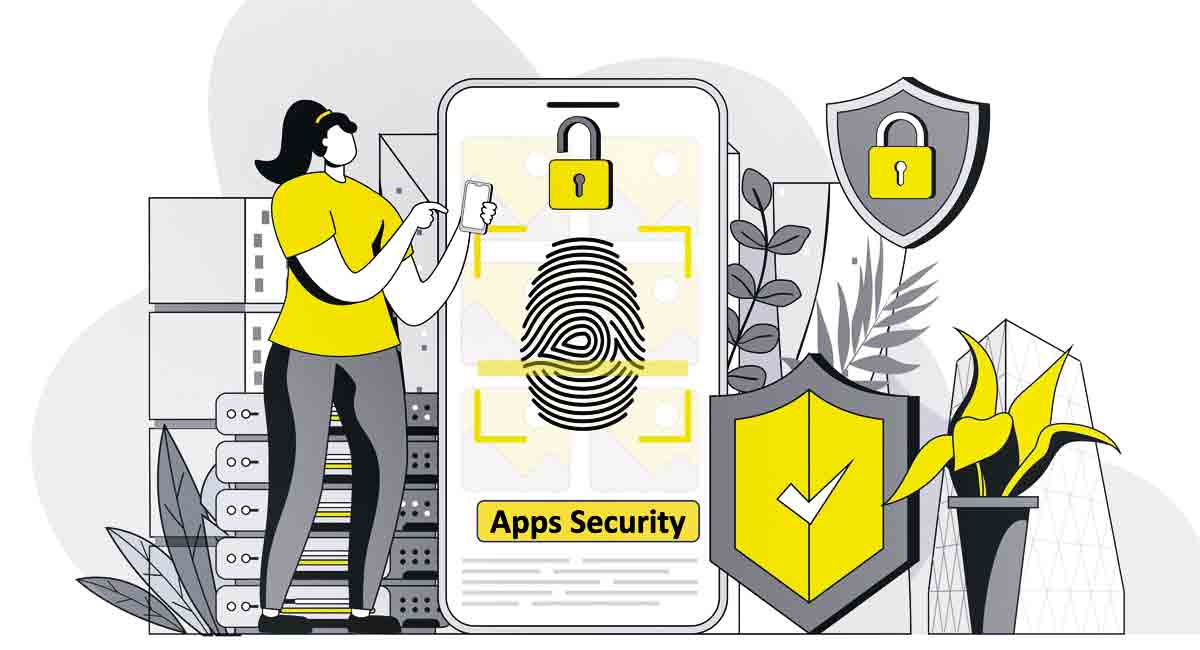
Hyderabad: Apps are becoming one of the most important components of security architecture. Even though applications can help users be more productive, they can also have a detrimental influence on system security, stability and data if not handled appropriately.
We are in a phase where data exploitation is at its peak with vast amounts of data generated through installed applications. These apps are stealing lot of personal data as well, which can be potentially harmful if used unethically.
Check the safety of apps before installing:
Reviews – Check for reviews. Majority of people who write reviews do honestly. Malicious developers exploit this trust by posting fake reviews, which we must be aware of
Description – Incorrect spelling and grammar in the description doesn’t always mean that the app is fake, cloned or malicious. It could be that the app developer’s writing skills aren’t good. A good description would list all features of the app, latest update, visibility of comments and a reply by the developer. If a developer is concentrating too much on the terms and conditions, then you could suspect something fictitious
Download Count – Always check for an app that has a decent download count. At the same time, we must understand that it’s difficult for a new app from an unknown publisher to reach 500 downloads by the end of its first month. If an app isn’t just one or two months old but has millions of downloads, this is a huge red flag
Permissions – If the app requests device permissions that don’t make sense for it, beware. You can check an app’s permissions in Google Play Store and App Store. I suggest readers use the Exodus tool as it looks for all trackers and displays them. https://reports.exodus-privacy.eu.org/en/
Developer’s Information – Check the webpage for developer’s name and credentials and see if they have a small number of apps and heavy downloads. It’s a red flag. Many malicious developers develop apps that have similar logos and UIs to reputed apps (they clone)
Installation – Developers know that most people click on ‘Accept’ without reading the agreement,and that’s how they get your consent to mine and share your data, and have all kinds of access to your personal data. It is suggested to use tools like https://rewordify.com/index.php to check the actual permission sought while installing apps.
How can we protect from malicious Android apps:
• Google Play Protect – Google Play Protect helps you protect against harmful applications and keeps your device safe and secure.
• You can run a safety check on apps from Play Store before downloading
• Google Play Protect warns you about potentially harmful apps and removes known harmful apps from your device
• Google Play Protect warns you about apps that violate Unwanted Software Policy by hiding or misrepresenting important information
• Google Play Protect sends you privacy alerts about apps that can get user permissions to access personal information
• Open the Google Play Store app Google Play and check to see under ‘Play Protect certification’, find out if your device is Play Protect certified
Protection from malicious iOS apps:
There is a possibility that malicious apps can get past Apple, but it’s a rare occurrence and there is nothing to worry about. Apple’s strict policies around app submissions are the core reason for non-entry of malicious apps into Apple’s App Store. Apple claims that their platform, consisting of 1.8 million apps, has next to zero malicious apps.
For more information on Apple’s (a) hardware security (b) system security (c) encryption and data protection (d) app security (e) services security, please visit https://support.apple.com/en-in/guide/security/welcome/web.
Top tips for managing your smartphone:
• Third-party apps and unidentified apps should be avoided
• Enable the Global Positioning System (GPS) only when in use
• Enable Two-Factor Authentication for Social Media and Banking Accounts
• Don’t click on short links; check link before opening https://isitphishing.org
• Scanning QR Codes and sharing OTP/MPIN etc., means you are sending money
• Never do screen sharing while on calls and never do banking transactions while on call
• Check your devices and accounts periodically and back up data periodically
• Use a pin, password or pattern to lock your phone
• Keep your operating system and applications updated
• Log out of sites after payments or e-commerce transactions
• Turn off Wi-Fi and Bluetooth when not in use
Stay tuned to Cyber Talk for more on internet ethics and digital wellness brought to you by Anil Rachamalla of End Now Foundation, www.endnowfoundation.org
Now you can get handpicked stories from Telangana Today on Telegram everyday. Click the link to subscribe.
Click to follow Telangana Today Facebook page and Twitter .

Related News