Tuesday, Apr 21, 2026
English News
  • Hyderabad
  • Telangana
  • AP News
  • India
  • World
  • Entertainment
  • Sport
  • Science and Tech
  • Business
  • Rewind
  • ...
    • NRI
    • View Point
    • cartoon
    • My Space
    • Education Today
    • Reviews
    • Property
    • Lifestyle
E-Paper
  • NRI
  • View Point
  • cartoon
  • My Space
  • Reviews
  • Education Today
  • Property
  • Lifestyle
Home | News | How To Get Rid Of Pop Up Ads

How to get rid of pop-up ads on your browser?

Pop-up ads or pop-ups are forms of online advertising on the World Wide Web, which often appear suddenly and disrupts the browsing
By Telangana Today
Updated On - 26 December 2024, 03:03 PM
How to get rid of pop-up ads on your browser?
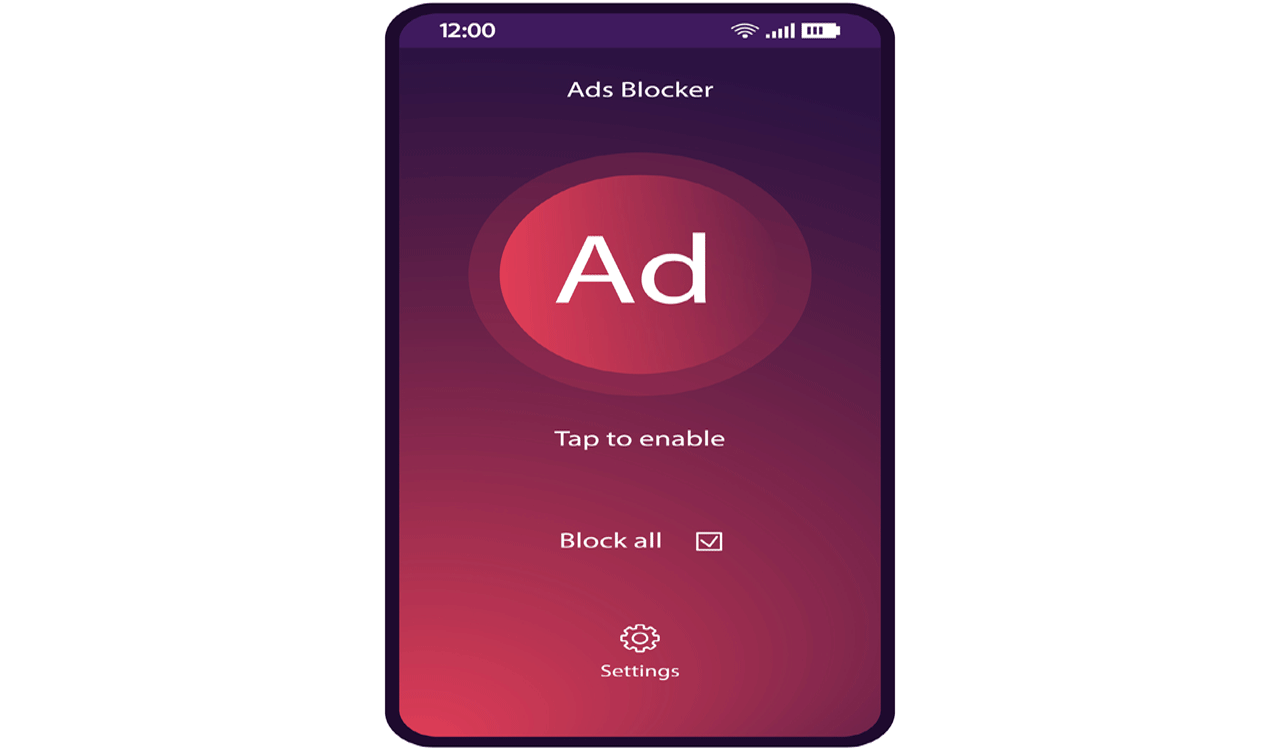
Representation image
whatsapp facebook twitter telegram

Hyderabad: Pop-up ads are a common annoyance when browsing the internet. These ads often appear suddenly, disrupting your browsing experience.

Block pop-ups in web browsers: Open Chrome and click the three dots in the top-right corner. Go to settings click privacy and security then click site settings. Scroll down to content and click pop-ups and redirects. Toggle the setting to blocked.

Also Read

  • Hackers increase abuse of Google Ads platform to target users

Use an ad-blocker extension: Installing an ad-blocking extension can help block pop-ups and other ads. Adblock Plus, uBlock Origin, or Poper Blocker are popular choices for Chrome, Firefox, Safari, and Edge. Go to the extension store in your browser, search for one of these, and click ‘Add to Browser.’

Disable or remove suspicious browser extensions: In Google chrome click the three dots then more tools and then extensions, then remove or disable unnecessary extensions.

Clear your browser cache and cookies: Go to your browser settings. Find the clear browsing data or clear history option. Select Cookies and other site data and cached images and files. Click clear data or clear history.

Check for malware or adware: Pop-up ads can also be caused by malicious software on your device.
Run a malware scan:
Windows: Use windows defender or a third-party tool like malwarebytes.
Mac: Use Malwarebytes for Mac or another reputable tool.

Use a different browser or App: If pop-ups continue, consider switching to browsers or apps that come with built-in ad-blocking features, like Brave or Opera, which block pop-ups by default.

  • Follow Us :
  • Tags
  • Chrome browser
  • Chrome web browsers
  • malicious advertisements
  • malware

Related News

  • Kerala police warn of fake update scam targeting Vivo, iQOO smarphone users

    Kerala police warn of fake update scam targeting Vivo, iQOO smarphone users

  • Man alleges unauthorised money transactions; lost Rs 40 lakh

    Man alleges unauthorised money transactions; lost Rs 40 lakh

  • Cyber fraudsters using ‘Digital Lutera’ toolkit to bypass UPI security: Report

    Cyber fraudsters using ‘Digital Lutera’ toolkit to bypass UPI security: Report

  • Google lays off hundreds of employees from platforms and devices division

    Google lays off hundreds of employees from platforms and devices division

Latest News

  • Sharad Pawar hospitalised in Mumbai

    7 mins ago
  • Ayushmann Khurrana, Sharvari’s ‘Yeh Prem Mol Liya’ to hit theatres on Nov 27

    10 mins ago
  • Father, son killed on ORR service road in Adibatla

    45 mins ago
  • Hyderabad: Rowdy sheeter attacks two over money demand

    50 mins ago
  • Virat is a friend, someone I respect & admire; he is the reason I started following cricket: Djokovic

    55 mins ago
  • Yusuf Pathan’s father-in-law among three arrested in assault case after road dispute

    1 hour ago
  • KU Professor hailing from Adilabad selected as Royal Society of Biology Council fellow

    1 hour ago
  • Char Dham Yatra 2026: Kedarnath portals to open on April 22

    2 hours ago

company

  • Home
  • About Us
  • Contact Us
  • Privacy Policy

business

  • Subscribe

telangana today

  • Telangana
  • Hyderabad
  • Latest News
  • Entertainment
  • World
  • Andhra Pradesh
  • Science & Tech
  • Sport

follow us

  • Telangana Today Telangana Today
Telangana Today Telangana Today

© Copyrights 2024 TELANGANA PUBLICATIONS PVT. LTD. All rights reserved. Powered by Veegam

.