Telangana SIR draft electoral roll: How to check your name online
The Telangana Chief Electoral Office has released the SIR draft electoral roll for 2026. Here is a step-by-step guide to finding your Part Number and Part Serial Number and checking your name and other details in the draft roll.
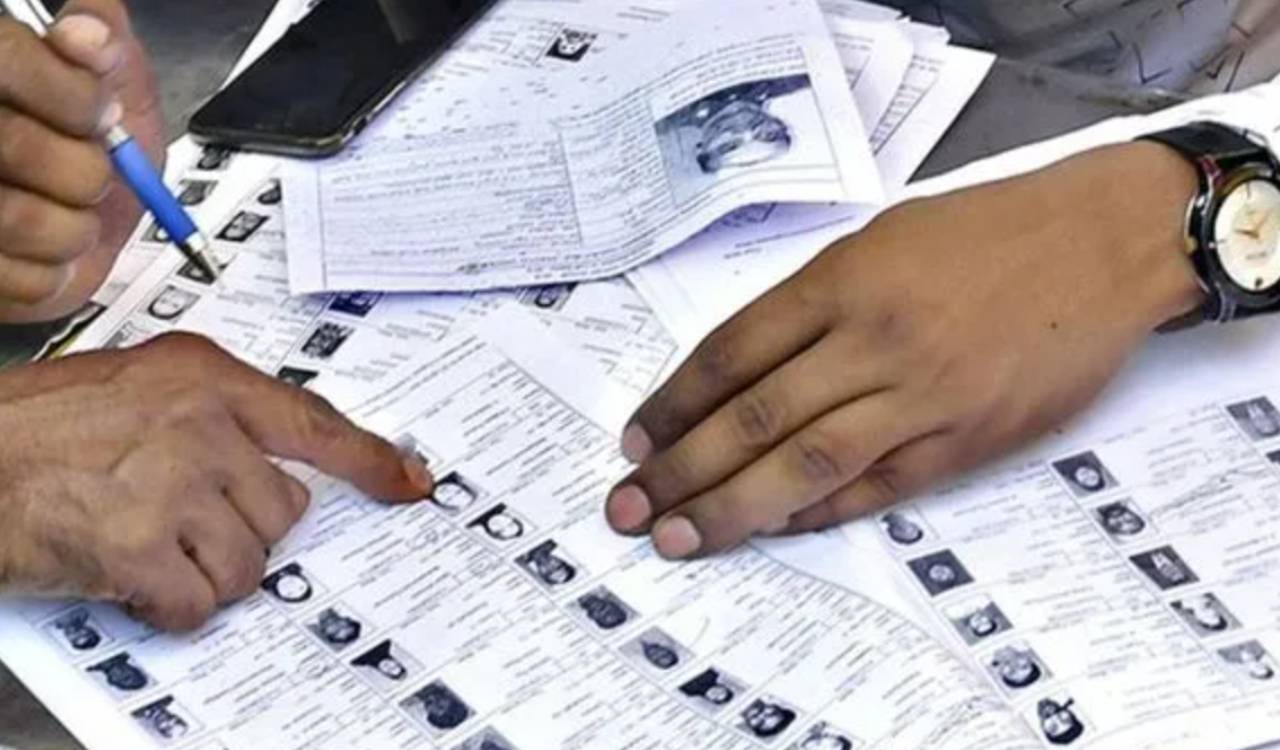


Hyderabad: As part of the Special Intensive Revision (SIR) of the electoral roll, the Telangana Chief Electoral Office has recently released the draft electoral roll, which has been made available on the Election Commission of India (ECI) website.
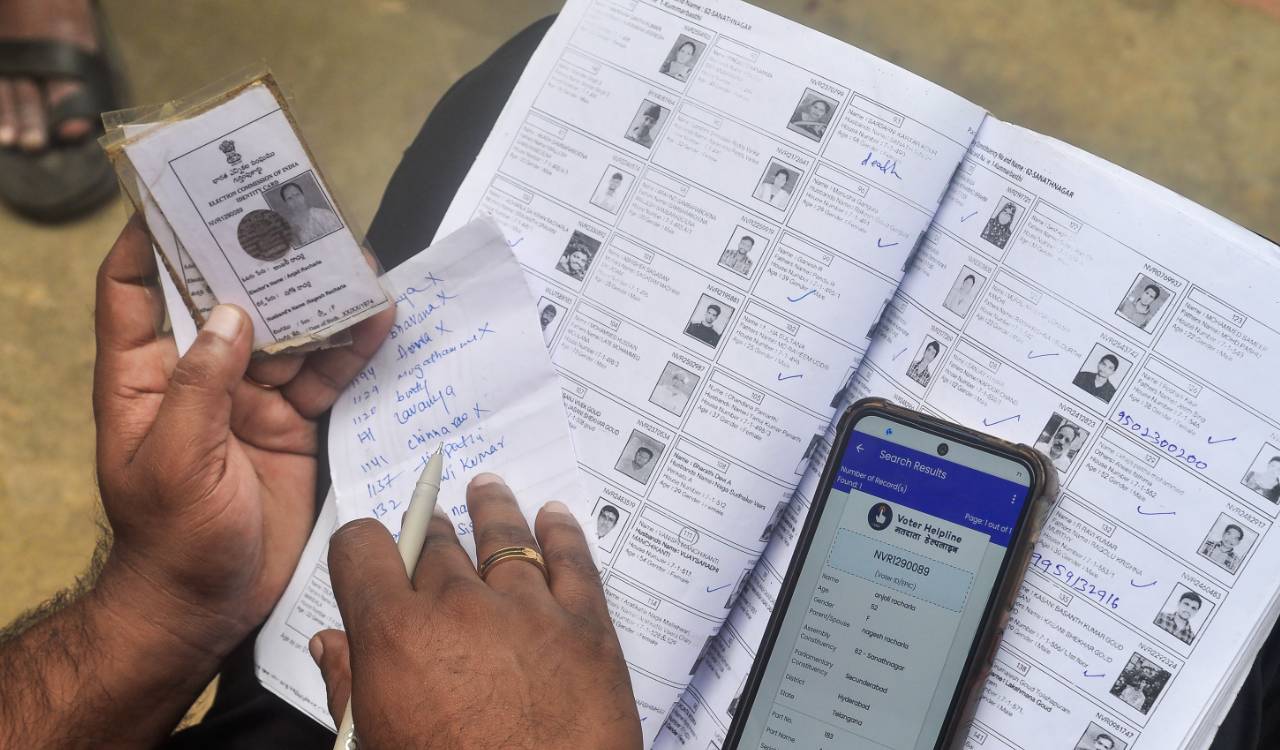
To search your draft electoral roll details, you need to have the EPIC Number available on your voter card, Part Number and Part Serial Number.
Firstly, how to search Part Number and Part Serial Number?
- Open ECI website https://www.eci.gov.in/
- Click on ‘Search Your Name in E-roll’ option available on the right side of the screen.
- You will be redirected to another website within the ECI domain.
- Use your EPIC number available on the voter card and State (Telangana) to search.
- Voter details can also be fetched via ‘Search by Details’ and ‘Search by Mobile Number’ methods available on the same website.
- After entering the captcha, search results will be reflected at the bottom of the screen.
- Details comprise EPIC Number, Name, Age, Relative Name, State, District, Assembly Constituency, Part Number, Polling Station and Part Serial Number.
Now, here is the simple way to check details in the draft electoral roll.
- Visit the ECI website https://www.eci.gov.in/
- Click on the SIR-2026 Download Electoral Roll.
- You will be redirected to another website within the ECI domain.
- Select State as Telangana, Year of Revision as 2026, Roll-type should be SIR Draft Roll-2026, District and Assembly Constituency concerned, and language – Telugu/English.
- As you enter these details, the Part Numbers and Part Names appear at the bottom.
- Next, you need to search your respective Part Number from several in your respective Assembly Constituency.
- Enter the Part Number in the search box on the left side of the screen.
- If your Part Number is 231, the respective area attached to the number appears in the result for download.
- Select the result on the left side of the screen, enter the captcha and download the draft electoral roll in PDF format.
- Open the downloaded PDF and search your details via Part Serial Number, which is arranged in serial-wise order.
- If your Part Serial Number is 123, your details will be available at serial number 123.
- Your details will figure in the draft electoral roll only if the enumeration form was submitted.

Related News