
UPPCL Mobile Bill Check: Three Methods Every Consumer Should Know
An electricity bill arrives differently for different people. Some receive a paper slip from the meter reader, others get a message alert on a registered number, and many UP electricity consumers discover they have an outstanding amount only when the due date is two days away.
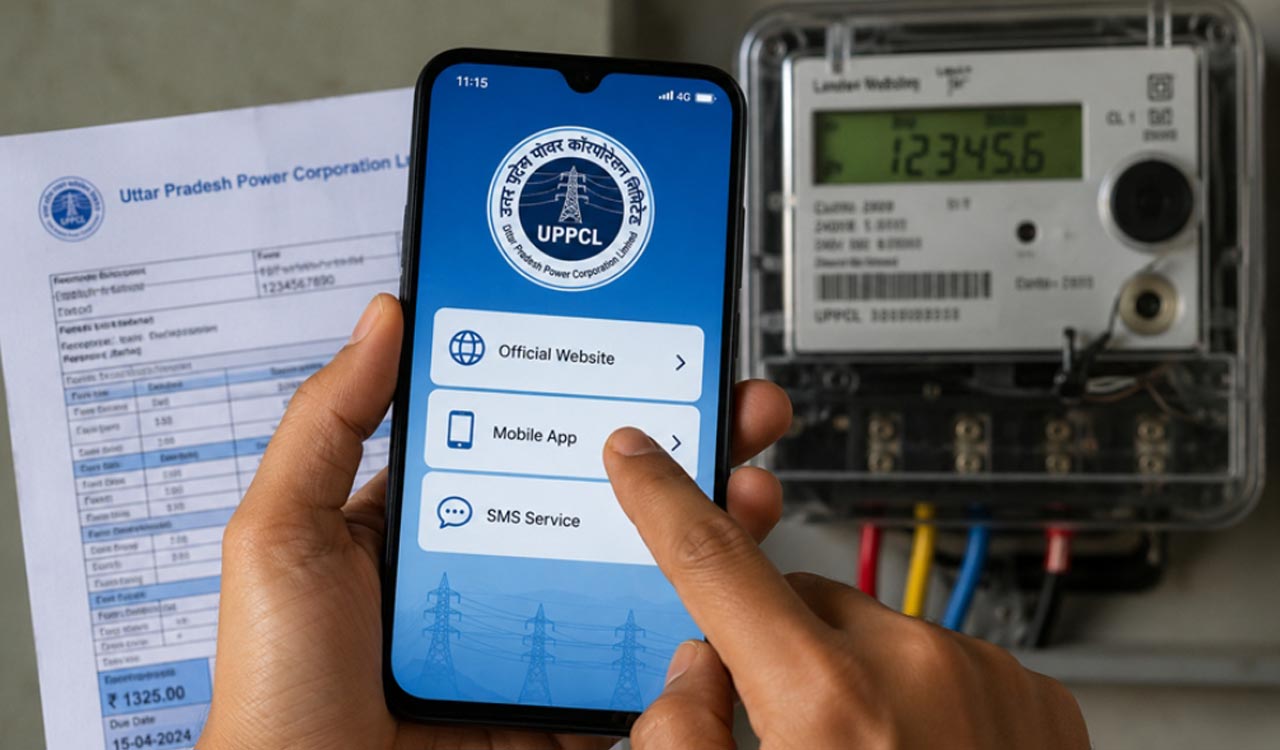


Uttar Pradesh Power Corporation Limited gives consumers three independent ways to check their electricity bill without stepping out: the UPPCL consumer web portal, the official Consumer App, and an SMS-based enquiry service. Each method suits a different situation, and knowing which to use saves time, especially around the due date.
An electricity bill arrives differently for different people. Some receive a paper slip from the meter reader, others get a message alert on a registered number, and many UP electricity consumers discover they have an outstanding amount only when the due date is two days away. Uttar Pradesh Power Corporation Limited distributes electricity across the state through four distribution companies and handles billing for crores of households across urban and rural UP alike. The difficulty for most of them is rarely the willingness to pay. It is simply not knowing what is owed or knowing it too late.
For consumers who want to close that gap quickly, Bajaj Pay, the BBPS-enabled payments platform on Bajaj Finance, supports UPPCL bill payment online with multiple modes and an instant digital receipt upon confirmation.
Start Here: Your Account Number and Your DISCOM
Every UPPCL bill-check method, regardless of which one a consumer uses, begins with one piece of information: the account number. As per UPPCL’s official consumer portal, urban consumers hold a 10-digit account number while rural consumers may still have a 12-digit number, with a phased migration to the unified 10-digit format currently under way. Both numbers appear on any previously issued physical bill, at the top of the statement.
The second thing to know is the DISCOM. Uttar Pradesh is divided across four distribution companies, and selecting the correct one on the portal or app determines whether the correct billing records are pulled up.
| DISCOM | Full Name | Primary Coverage |
| PVVNL | Paschimanchal Vidyut Vitaran Nigam | Western UP: Noida, Ghaziabad, Meerut |
| MVVNL | Madhyanchal Vidyut Vitaran Nigam | Central UP: Lucknow, Sitapur |
| DVVNL | Dakshinanchal Vidyut Vitaran Nigam | Southern UP: Agra, Jhansi |
| PUVVNL | Purvanchal Vidyut Vitaran Nigam | Eastern UP: Varanasi, Gorakhpur |
If the DISCOM is not clear from the existing bill, the Know Your DISCOM tool on consumer.uppcl.org takes an account number and returns the correct association.
Method 1: The Web Portal
The UPPCL online bill-check mobile portal at consumer.uppcl.org works on any smartphone browser and does not require the consumer to create an account.
A first-time visitor can check a bill as a guest using only the account number. This makes it practical for anyone managing multiple connections or those who check their bill infrequently.
- Open consumer.uppcl.org in a mobile or desktop browser
- Select the relevant DISCOM from the dropdown
- Enter the 10-digit account number or registered mobile number
- Complete the CAPTCHA, or verify via OTP if using a mobile number
- Tap View to see the bill amount, due date, and units consumed
Consumers who prefer not to use the CAPTCHA can choose the registered mobile number route, which sends an OTP instead and is often faster on a phone.
Method 2: The Official UPPCL Consumer App
The UPPCL Consumer App is the official application for UPPCL’s four DISCOMs, available in both Hindi and English on the Google Play Store and the Apple App Store. Login uses the district selection followed by Account ID, verified by OTP to the registered mobile number, as described in the app’s official listing.
- Download the UPPCL Consumer App from the Play Store or App Store
- Select your district and enter your Account ID
- Verify with the OTP sent to the registered number
- On the dashboard, tap Quick Pay Bills or View Bill
The app goes beyond basic bill viewing. It supports instant payment, digital receipt generation, load extension requests, and Trust-Meter Reading for consumers who wish to self-generate a bill. Smart meter users additionally see real-time usage data, which is useful for tracking monthly consumption before the bill is generated.
Method 3: SMS Enquiry
For consumers in areas with slower internet connections, or those who simply want a quick number, UPPCL’s SMS-based bill enquiry service remains a reliable option that works independently of any app or browser.
Format: Type BILL followed by a space and the account number, then send to 5616195
Example: BILL 1234567890
The SMS response contains the bill amount, units consumed, and due date. This service operates only if the mobile number sending the message is registered against that UPPCL account. If not, the number can be updated via the web portal or through the Consumer App.
Choosing the Right Method
| Method | Internet Needed | Login Required | Best Used For |
| Web Portal | Yes | No | Quick one-time checks, no account needed |
| Consumer App | Yes | Yes (OTP) | Regular monitoring, receipts, load requests |
| SMS to 5616195 | No | No (registered number) | Low connectivity, fastest response |
If the portal is slow during peak billing days, the SMS method functions independently and is unaffected by portal load. Payments made through any channel are typically updated on the UPPCL account within 24 hours of the transaction, as per the confirmation message issued upon successful payment.
Pay Your UPPCL Bill on Bajaj Finance
Knowing the bill amount is the first step. Paying it before the due date is the one that matters. UPPCL applies a late payment surcharge on overdue bills, and persistent delays can result in supply disconnection. Clearing the UPPCL bill amount on Bajaj Finance takes under two minutes.
Via the Bajaj Finance app:
- Open the app and log in
- Go to Bajaj Pay
- Under the ‘Bills and Recharges’ and select ‘Electricity’
- Choose ‘UPPCL’ and enter your account number
- Confirm the due amount and complete the payment
Via the Bajaj Finance website:
- Visit Bajaj Finance website
- Go to ‘Bills and Recharges’ section
- Select ‘Electricity’, then ‘UPPCL’ as your service provider, and enter your account number
- Confirm the bill amount, choose a payment mode, and click ‘Pay Now’
UPPCL gives consumers three independent methods to track their electricity bill from a phone, each suited to a different circumstance. The web portal handles quick lookups without any login, the app works well for ongoing account management and receipts, and SMS covers the gaps when internet connectivity runs low. None of them require a queue or an office visit.

