Tuesday, Apr 28, 2026
English News
  • Hyderabad
  • Telangana
  • AP News
  • India
  • World
  • Entertainment
  • Sport
  • Science and Tech
  • Business
  • Rewind
  • ...
    • NRI
    • View Point
    • cartoon
    • My Space
    • Education Today
    • Reviews
    • Property
    • Lifestyle
E-Paper
  • NRI
  • View Point
  • cartoon
  • My Space
  • Reviews
  • Education Today
  • Property
  • Lifestyle
Home | News | Google Messages Bug Causes Severe Battery Drain

Google Messages bug causes severe battery drain

San Francisco: A new bug in Google Messages may leave your camera on in the background, quickly draining your battery and heating your device. According to 9To5Google, within the Google Messages app, there is an easy way to quickly snap a picture and immediately attach it to a message and send it to a friend. In […]
By IANS
Published Date - 22 April 2022, 12:11 PM
Google Messages bug causes severe battery drain
whatsapp facebook twitter telegram

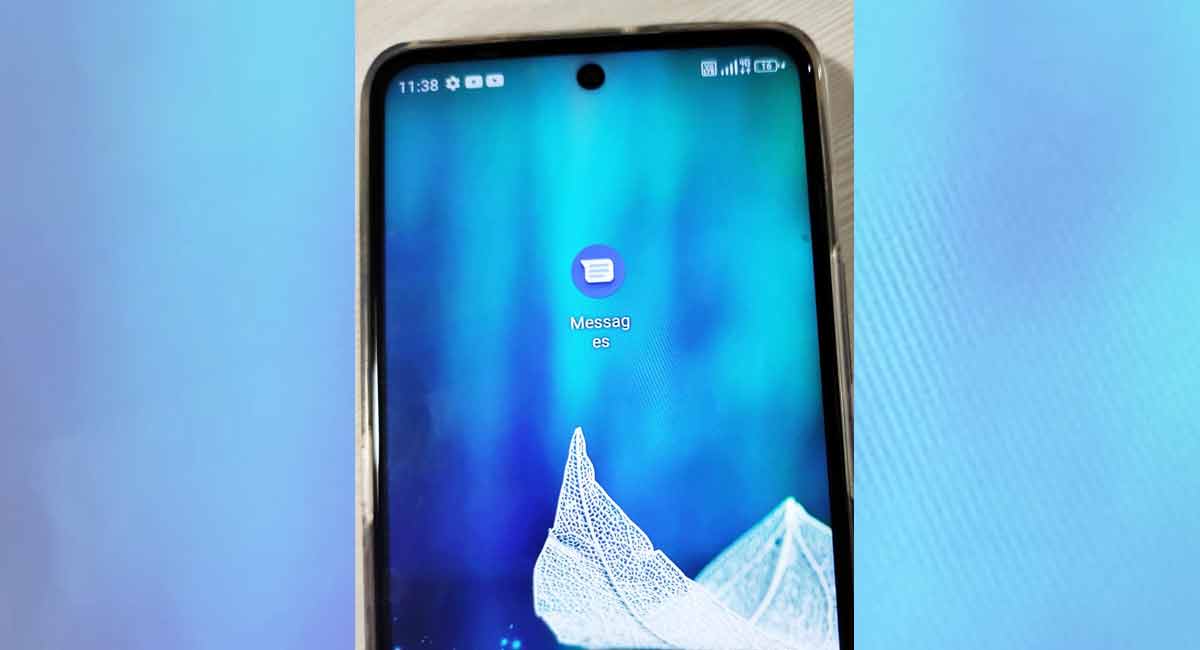
San Francisco: A new bug in Google Messages may leave your camera on in the background, quickly draining your battery and heating your device.

According to 9To5Google, within the Google Messages app, there is an easy way to quickly snap a picture and immediately attach it to a message and send it to a friend.


In the view for attaching images from your gallery, there is also a live feed from your camera to either take an immediate snapshot from that thumbnail view or you can expand it for a better view.

In recent updates of the Google Messages app, a bug in the app occasionally leaves this camera feed running even when it is not on screen, including when Messages is in the background.

The report mentioned that the easiest way to stop the issue in the moment is to close the app from the Recents view.

More broadly, if you don’t use the Google Messages viewfinder, the easiest way to stop this issue altogether is to deny the app permission to use your phone’s camera.

To do this on a Pixel phone, press and hold on to the Messages app’s icon in your launcher and tap the info icon.

This should bring you to the Settings app, where you can tap “Permissions” to manage what Google Messages is allowed to do. From here, you will want to tap “Camera” and set the toggle to “Don’t allow”.

  • Follow Us :
  • Tags
  • battery drain
  • Google Messages
  • Google Messages app

Related News

  • Google Messages’ new feature lets users pin up to 5 conversations

    Google Messages’ new feature lets users pin up to 5 conversations

  • Google Messages may soon get redesigned voice recorder UI

    Google Messages may soon get redesigned voice recorder UI

  • Brands using Google Messages to bombard Indian users with unwanted ads

    Brands using Google Messages to bombard Indian users with unwanted ads

  • Google Messages to get two new features soon in India

    Google Messages to get two new features soon in India

Latest News

  • Four judges sworn in as permanent judges of Telangana High Court

    2 hours ago
  • Telangana HC refuses to interfere in Velugumatla demolitions

    2 hours ago
  • Telangana High Court pulls up CDSCO for ‘mindless’ prosecution

    3 hours ago
  • Government will not spare influential persons, politicians and celebrities if caught in drug cases: Revanth Reddy

    3 hours ago
  • Telangana govt transfers DSP, ACP rank officers; new postings announced

    3 hours ago
  • Opinion: Hard reality — living with HIV, dying in stigma

    3 hours ago
  • Telangana police recover over 1.24 lakh lost mobile phones via CEIR system

    3 hours ago
  • Editorial: AAP’s moment of reckoning

    3 hours ago

company

  • Home
  • About Us
  • Contact Us
  • Privacy Policy

business

  • Subscribe

telangana today

  • Telangana
  • Hyderabad
  • Latest News
  • Entertainment
  • World
  • Andhra Pradesh
  • Science & Tech
  • Sport

follow us

  • Telangana Today Telangana Today
Telangana Today Telangana Today

© Copyrights 2024 TELANGANA PUBLICATIONS PVT. LTD. All rights reserved. Powered by Veegam

.