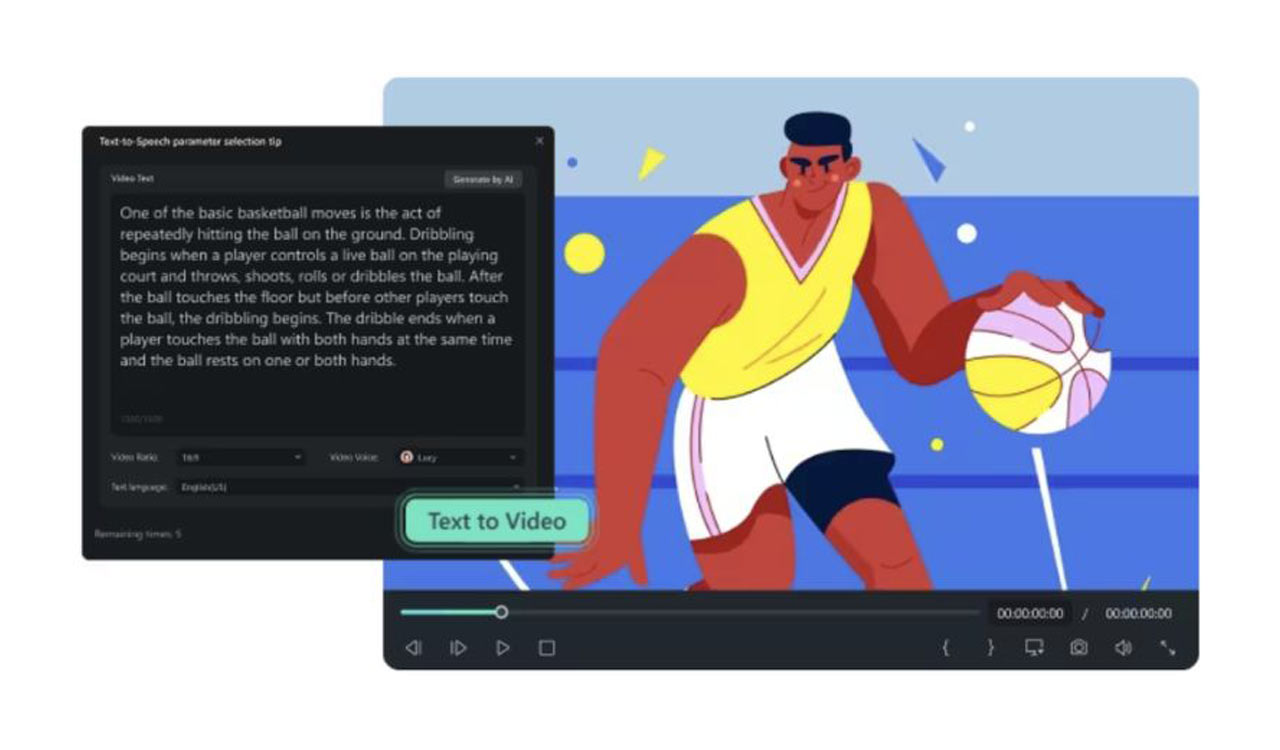
Why Filmora’s desktop version is a game- changer compared to CapCut
Filmora takes video editing efficiency to the next level with AI-powered tools that automate complex processes



Professional-Grade Editing on Desktop
CapCut was originally designed as a mobile-first video editor. While it has introduced a desktop version, it lacks many of the advanced tools and precision controls that professional editors need.
Filmora’s Desktop Advantages
- Multi-layer timeline editing for precise storytelling.
- Advanced keyframe animation for custom motion effects.
- Drag-and-drop interface with professional-grade customization.
- Precision trimming and transitions for smooth and polished videos.
With Filmora’s desktop version, creators get more control, better editing tools, and a seamless workflow, making it a more professional and efficient alternative to CapCut.
AI-Powered Features for Faster Editing
Filmora takes video editing efficiency to the next level with AI-powered tools that automate complex processes.
CapCut’s AI Limitations
- Basic background remover that lacks accuracy.
- No AI-powered scriptwriting, audio syncing, or video enhancement.
- Limited auto-editing features, requiring more manual work.
Filmora’s AI-Powered Advantages
- AI Smart Cutout for more accurate background removal.
- AI Auto Reframe to instantly adjust video dimensions for different social platforms.
- AI Speech-to-Text & Text-to-Speech to convert audio to captions and vice versa.
- AI Audio Denoise to enhance voice clarity by removing background noise.
These AI-driven tools speed up the editing process, allowing creators to focus more on creativity and less on manual tasks.
Seamless Desktop Workflow with Better File Management
Editing on mobile devices has its advantages, but desktop editing provides a more organized and efficient workflow, especially for handling large files and professional projects.
CapCut’s File Management Issues
- Limited storage and export settings are not ideal for high-resolution files.
- No native support for large video formats, which can cause crashes.
- Requires a strong internet connection for cloud syncing.
Filmora’s Efficient File Handling
- Supports large video files without performance issues.
- Native desktop storage with no reliance on cloud syncing.
- Batch exporting to edit and export multiple videos at once.
- Advanced format compatibility, supporting 4K, HEVC, and ProRes.
Filmora provides a more reliable and efficient file management system for content creators handling multiple projects than CapCut.
More Powerful Effects, Transitions, and Customization
CapCut is great for quick, simple edits, but it lacks the depth and variety of effects and transitions available in Filmora.
Filmora’s Extensive Effects Library
- Thousands of transitions, effects, and filters for professional-quality editing.
- Advanced motion tracking for precise video manipulation.
- Custom LUTs and color grading for cinematic visuals.
- High-quality titles and animations for creative storytelling.
With Filmora’s desktop version, creators have access to a richer and more diverse effects library, enabling higher-quality video production.
5. Stability and Performance: No More Crashes and Lags
One of the biggest complaints about CapCut’s desktop version is its lack of stability when handling large files and complex edits.
Filmora’s Optimized Performance
- GPU acceleration for faster rendering and exporting.
- Auto-save and crash recovery, preventing lost progress.
- Seamless playback, even for high-resolution videos.
- Offline editing support with no need for an internet connection.
For creators working on professional projects, Filmora’s stability and optimized performance ensure a smoother and more reliable experience.
Cross-Platform Flexibility: Work Anywhere, Anytime
One of Filmora’s biggest advantages over CapCut is its cross-platform adaptability.
CapCut’s Platform Limitations
- Mobile-first design, making it less powerful on desktop.
- No seamless integration between mobile and desktop.
- Limited export and format settings on different devices.
Filmora’s Cross-Platform Strengths
- Fully functional on Windows and Mac with identical features.
- Mobile and desktop sync, allowing for seamless project transfer.
- Cloud storage compatibility, making it easier to work across devices.
With Filmora, users can start a project on their desktop and make quick edits on mobile, creating a more flexible and convenient editing experience.
Final Verdict: Filmora’s Desktop Version Wins
While CapCut may be a good option for quick mobile edits, it falls short when it comes to advanced video production. Filmora’s desktop version provides a superior alternative with:
- Professional-grade editing tools for complex projects.
- AI-powered automation to speed up the workflow.
- More powerful effects and customization.
- Faster rendering and better file management.
- Cross-platform flexibility for greater editing freedom.
For content creators looking for a more powerful, stable, and efficient desktop video editor, Filmora is the best alternative to CapCut.
Try Filmora Today
Ready to take your video editing to the next level? Download Filmora now and experience a faster, smarter, and more stable way to create high-quality content.
Check out more about them on their YouTube Channel.

Related News