Tuesday, Apr 28, 2026
English News
  • Hyderabad
  • Telangana
  • AP News
  • India
  • World
  • Entertainment
  • Sport
  • Science and Tech
  • Business
  • Rewind
  • ...
    • NRI
    • View Point
    • cartoon
    • My Space
    • Education Today
    • Reviews
    • Property
    • Lifestyle
E-Paper
  • NRI
  • View Point
  • cartoon
  • My Space
  • Reviews
  • Education Today
  • Property
  • Lifestyle
Home | India | Heres How To Check Number Of Sim Cards Registered Under Your Aadhaar Number

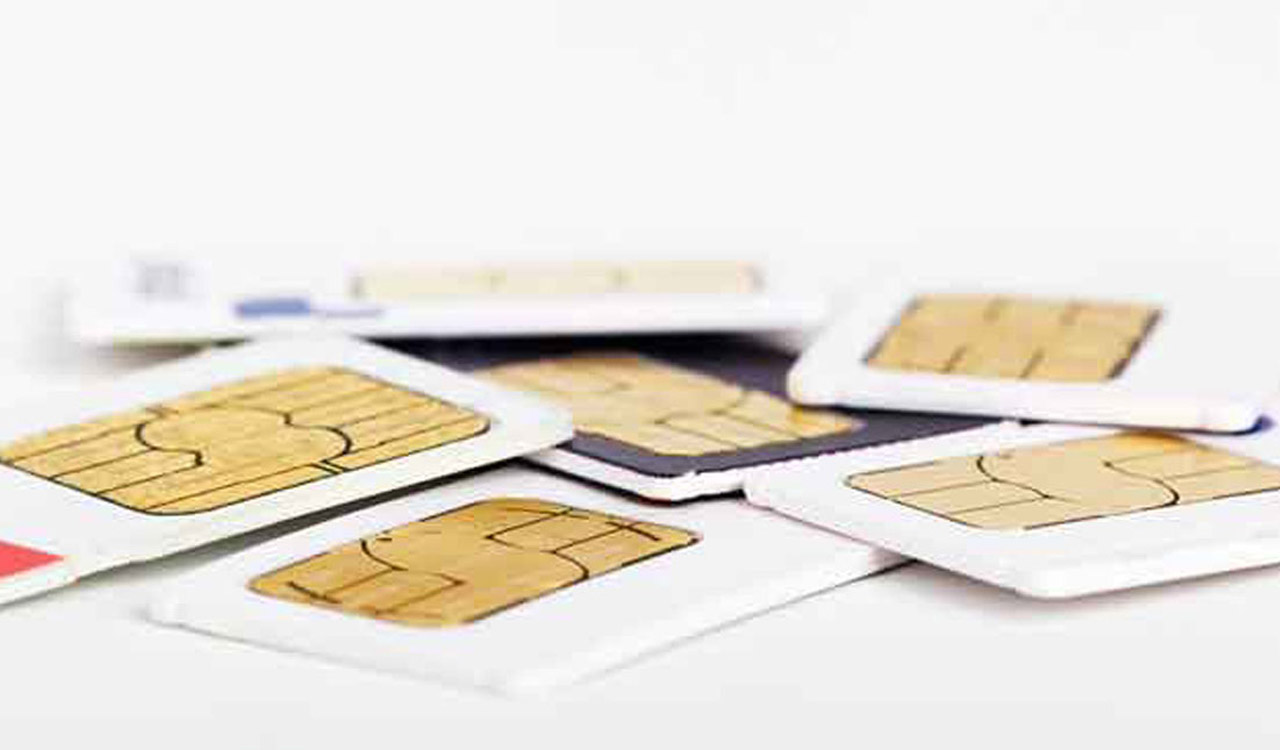
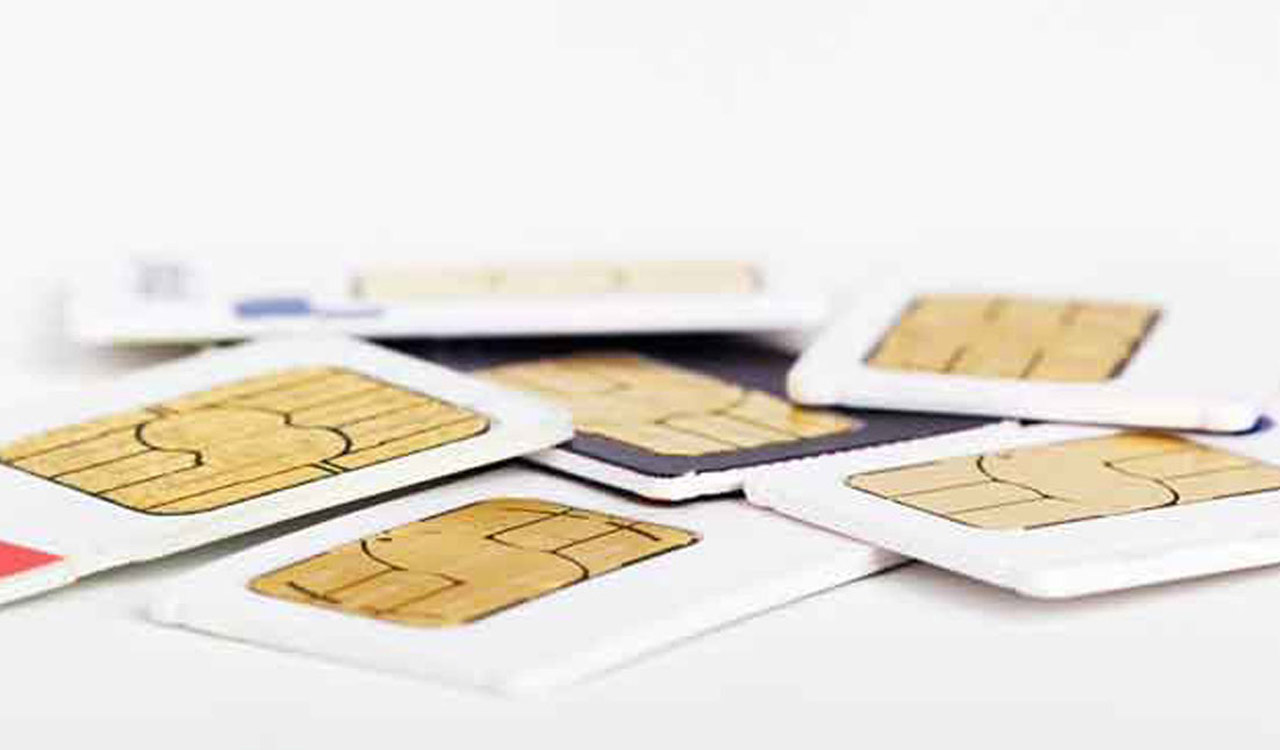
Here’s how to check number of SIM cards registered under your Aadhaar number

Anyone who has access to these Aadhaar Cards possesses one’s personal information like full name, phone number, and address.

By Telangana Today
Published Date - 3 October 2022, 03:40 PM
Here’s how to check number of SIM cards registered under your Aadhaar number
whatsapp facebook twitter telegram

Hyderabad: These days one uses an Aadhaar Card almost everywhere. Opening a new bank account, checking into a hotel, or buying a new electric appliance; the 12-digit Aadhaar number is required for identification purposes.

Anyone who has access to these Aadhaar Cards possesses one’s personal information like full name, phone number, and address. Though this system of identification is set up to make things easier, the flip side is that this information in the wrong hands is dangerous.

Also Read

  • Hyderabad: Link Aadhaar with voter card, Election Authority urges people
  • Minister Gangula distributes ID cards to transgenders

In 2019, the Ministry of Electronics and Information Technology mandated linking all SIM cards to the Aadhaar number. Simply put, if you want to get a new SIM card, you will have to provide your Aadhaar Card as proof of identification.

Ever since this regulation came into effect, the possibility of using one’s Aadhaar number for issuing SIM cards without their knowledge has been worrying. To put that worry to rest, the Department of Telecommunication launched a website to help citizens find out how many mobile numbers are registered against their name.

· Go to the https://tafcop.dgtelecom.gov.in

· Enter your mobile number and click on ‘Request OTP’

· Use the OTP code you received and click on ‘Validate’

· Now you will see the list of numbers issued against your Aadhaar number

· There will be three options given below each number which include – ‘This is not my number’, ‘Not required’, and ‘Required’

· In case you find a mobile number that is not yours, can click on ‘This is not my number’ and if the number is no longer in use then you can click on ‘Not required’

If you see any unknown number in the list, you can report the number and connect with the telecom service provider to get the number discontinued.

  • Follow Us :
  • Tags
  • Aadhaar number
  • Sim cards

Related News

  • Dubai-based cricket betting syndicates exploit SIM cards in cyberfraud

    Dubai-based cricket betting syndicates exploit SIM cards in cyberfraud

  • Two arrested in Hyderabad for illegal SIM card racket

    Two arrested in Hyderabad for illegal SIM card racket

  • Cyberabad cybercrime police arrest eleven in bank account rental fraud cases

    Cyberabad cybercrime police arrest eleven in bank account rental fraud cases

  • Cyberabad police arrest five for persons for aiding cyber fraudsters

    Cyberabad police arrest five for persons for aiding cyber fraudsters

Latest News

  • RGUKT Basar launches Physics Hub portal

    50 seconds ago
  • Civil society urged to denounce global sectarian violence at Hyderabad seminar

    52 seconds ago
  • Govt mulls cutting cotton import duty to ease textile sector stress

    11 mins ago
  • Air India, IndiGo, SpiceJet warn of grounding aircraft amid ATF price surge; seek govt support

    14 mins ago
  • University of Hyderabad shines in Asia rankings 2026

    16 mins ago
  • Gold falls Rs 1,800, silver slumps amid strong dollar, oil surge

    22 mins ago
  • Elderly buffalo herder drowns in Godavari river in Mancherial

    24 mins ago
  • Nirmal’s Dasturabad sizzles at 46 degrees

    31 mins ago

company

  • Home
  • About Us
  • Contact Us
  • Privacy Policy

business

  • Subscribe

telangana today

  • Telangana
  • Hyderabad
  • Latest News
  • Entertainment
  • World
  • Andhra Pradesh
  • Science & Tech
  • Sport

follow us

  • Telangana Today Telangana Today
Telangana Today Telangana Today

© Copyrights 2024 TELANGANA PUBLICATIONS PVT. LTD. All rights reserved. Powered by Veegam

.