Here are some important privacy features on WhatsApp
Here’s the list of important privacy features you should check out on WhatsApp
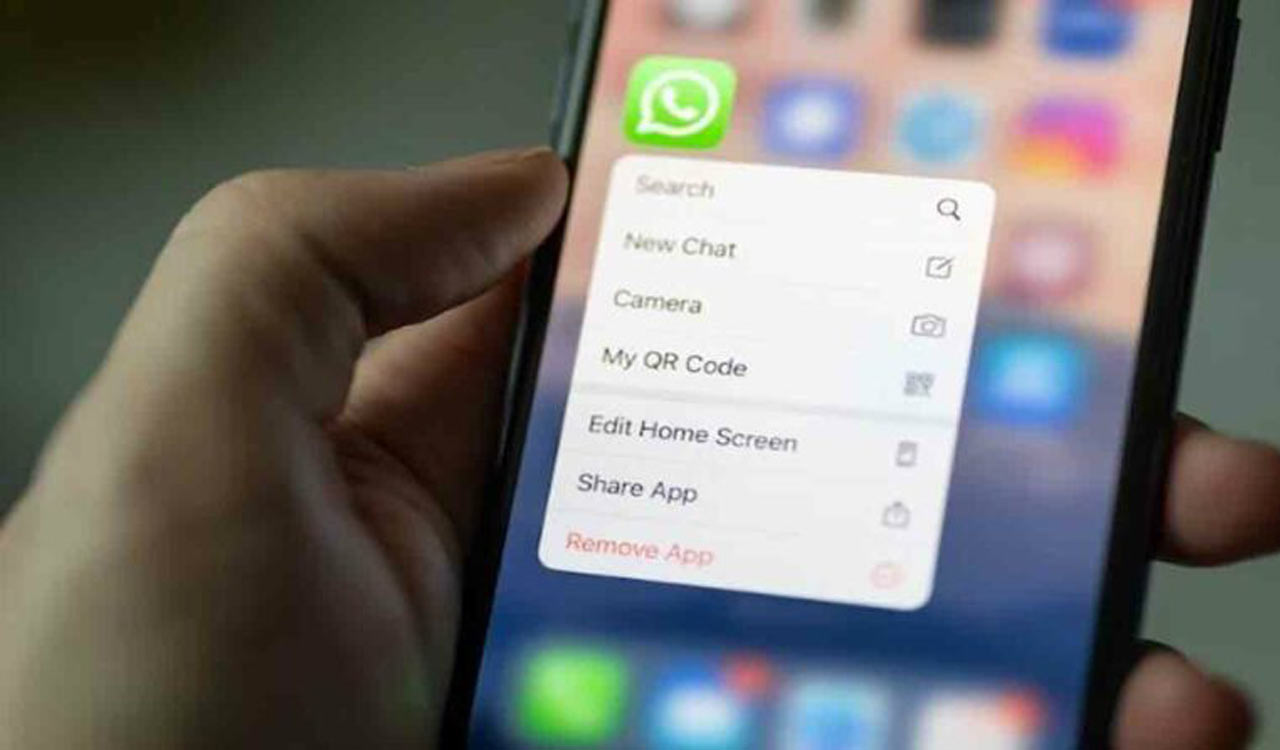


Hyderabad: Instant messaging platform WhatsApp has been adding several features over the years to protect the privacy of its users. Here’s the list of important privacy features you should check out on the app.
Chat Lock
Recently added, the feature allows users to lock their most private chats. To enable this feature, one must go to a chat’s profile section of the preferred chat and tap on the ‘Chat Lock’. All the locked chats are added to a folder, which is visible on the top of the screen.
Disappearing messages
With this feature, you can set messages to disappear 24 hours, 7 days, or 90 days after the time they are sent, unless that message is kept. The feature can be set as default for new chats on WhatsApp. One can also use the Disappearing Messages feature for older chats by enabling the option in the profile section of that contact.
Two-step verification
This is one of the most important features to enhance the security of their WhatsApp account. To enable it, navigate to the ‘Account’ in the settings, select Two-step verification, and tap on Enable. Then, choose a six-digit PIN of your preference and confirm it. You can also provide an accessible email address or choose to skip it.
Silence calls
One can either block or adjust your privacy settings to silence calls from unknown callers. By ‘silencing calls’ from unknown callers, you can prioritise important conversations while safeguarding your privacy and avoiding unwanted contacts.
Hide blue ticks
To maintain your privacy and prevent others from knowing that you’ve seen their message, you can disable the read receipts feature in the application settings, which will hide the blue ticks. However, by doing so, you won’t be able to track whether the other person has read your message either.
Fingerprint lock
Add a fingerprint lock to the messaging app if you want your chats to remain private from others using your mobile. The fingerprint lock option will be available as you tap ‘privacy’ in your app settings.
Hide status, profile picture, last seen
On WhatsApp, you have the ability to hide your status, profile picture, and last seen from specific contacts. You can always choose to hide this information from people who are not in your contacts list.
Hide ‘online’ status
Users can also hide their online presence on the app. By enabling this option, no one will be able to know if you are using the messaging app as it will hide the “online” tag from your account.
Block unwarranted contacts
WhatsApp lets users block people on the messaging app. You can also block anyone from adding you to unknown groups.
WhatsApp has always allowed individuals with your phone number to send messages or add you to groups, similar to how anyone can send you an SMS or email. To enhance your privacy further, you have the option to manage who can add you to a group by customising your WhatsApp settings.

Related News