Thursday, Apr 23, 2026
English News
  • Hyderabad
  • Telangana
  • AP News
  • India
  • World
  • Entertainment
  • Sport
  • Science and Tech
  • Business
  • Rewind
  • ...
    • NRI
    • View Point
    • cartoon
    • My Space
    • Education Today
    • Reviews
    • Property
    • Lifestyle
E-Paper
  • NRI
  • View Point
  • cartoon
  • My Space
  • Reviews
  • Education Today
  • Property
  • Lifestyle
Home | News | How To Lock Personal Chat On Whatsapp

How to lock personal chat on WhatsApp

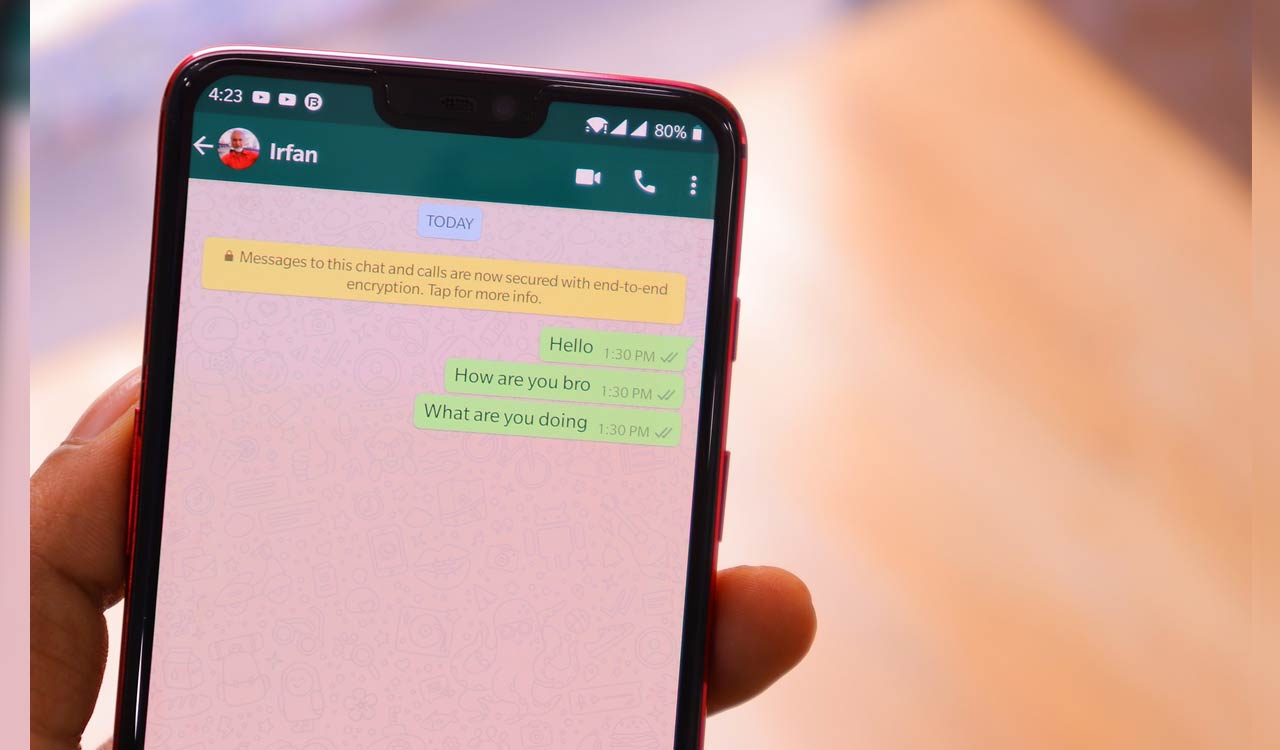
WhatsApp has introduced the new feature "Lock Chat," which allows the user to lock personal chats with ease.
By Telangana Today
Published Date - 18 May 2023, 04:53 PM
How to lock personal chat on WhatsApp
whatsapp facebook twitter telegram

Hyderabad: WhatsApp has introduced the new feature “Lock Chat,” which allows the user to lock individual chats. The personal chat can be locked with the device’s password or biometrics like fingerprint or face recognition. However, this feature is not available for all users, and it seems like it takes time to reach everyone. With this feature, users can hand over their phones to anyone without fear. The feature also automatically hides the text of the chat in the notification.

“Locking a personal chat takes that thread out of your inbox and puts it behind its own folder that can only be accessed with your device’s password or biometric, like a fingerprint. It also automatically hides the contents of that chat in notifications, too,” says WhatsApp.

Also Read

  • WhatsApp to permanently delete mobile numbers used for fraud
  • Tech Tok: ChatGPT can now browse internet
  • WhatsApp now lets you lock individual chats; here’s how to access the feature 

How to lock the chat on WhatsApp with Lock Chat feature

Step 1: Update WhatsApp to get the feature

Step 2: Tap on Chat Info and select “Chat Lock”

Step 3: Set the lock for the chat with a fingerprint or face ID

Step 4: Check the chat in the locked chat folder.

Where the locked chat fold is placed

Step 1: Swipe down the chats slowly

Step 2: User can see a folder named “Locked Chats” just like “Archive”

Step 3: Open the chat with the password

  • Follow Us :
  • Tags
  • Tech News
  • Whatsapp
  • WhatsApp lock chat feature

Related News

  • Telangana to roll out SSC Public Exams results via WhatsApp

    Telangana to roll out SSC Public Exams results via WhatsApp

  • WhatsApp group alerting members about drunk driving checks busted in Godavarikhani

    WhatsApp group alerting members about drunk driving checks busted in Godavarikhani

  • WhatsApp rolls out new features including AI photo editing, chat transfer and dual accounts on iPhone

    WhatsApp rolls out new features including AI photo editing, chat transfer and dual accounts on iPhone

  • Hyderabad CEO duped of Rs 1.2 crore in WhatsApp impersonation cyber fraud

    Hyderabad CEO duped of Rs 1.2 crore in WhatsApp impersonation cyber fraud

Latest News

  • DMK-Congress alliance vows to protect Tamil identity, says Rahul Gandhi

    2 mins ago
  • Editorial: Tim Cook leaves an enduring legacy

    10 mins ago
  • Delhi High Court holds YouTuber guilty of criminal contempt

    23 mins ago
  • TMC minister Bratya Basu warns of detention camps if BJP wins Bengal

    49 mins ago
  • Vendor, not SPG officer: Truth behind Modi’s Jhargram Jhalmuri stop

    1 hour ago
  • EC issues show cause notice to Kharge over ‘terrorist’ jibe at PM Modi

    1 hour ago
  • Amazon wins interim relief in Drishyam franchise rights dispute

    1 hour ago
  • Telangana High Court strikes down Ghose Commission’s adverse findings against KCR, Harish Rao

    2 hours ago

company

  • Home
  • About Us
  • Contact Us
  • Privacy Policy

business

  • Subscribe

telangana today

  • Telangana
  • Hyderabad
  • Latest News
  • Entertainment
  • World
  • Andhra Pradesh
  • Science & Tech
  • Sport

follow us

  • Telangana Today Telangana Today
Telangana Today Telangana Today

© Copyrights 2024 TELANGANA PUBLICATIONS PVT. LTD. All rights reserved. Powered by Veegam

.