Cyber Talk: Unnecessary access requests in mobile apps
Excessive permissions can lead to breach of privacy and data leak
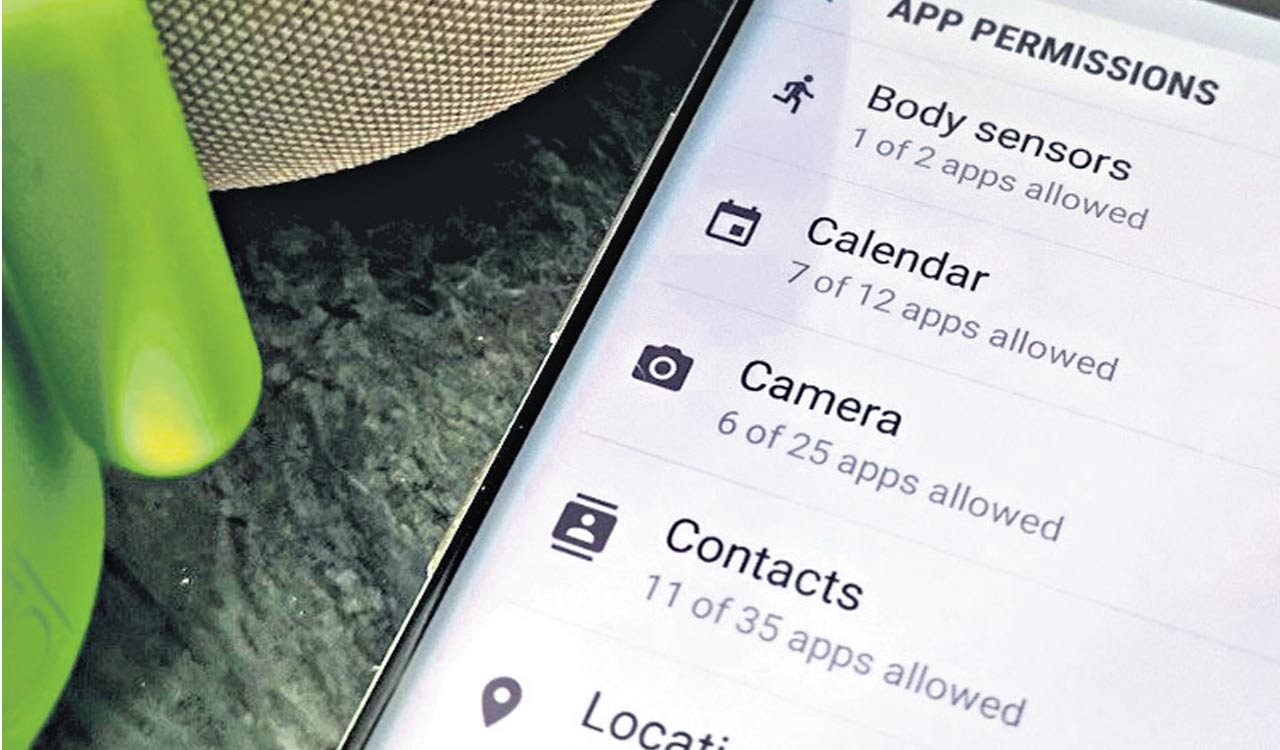


Mobile applications have become a major part of our daily routine, providing a variety of applications. However, the ease of use and utility given by these applications usually come at the risk of a potential breach of personal data and privacy.
One common issue of concern is that specific applications ask for unauthorised access.
When installing apps, users should exercise caution by carefully evaluating the permissions necessary and considering whether they are consistent with the app’s functionality. Developers, too, play a vital role in ensuring that their programmes request just the necessary permissions and are transparent about how they use data.
Cybercrimes due to unnecessary access
* Apps with excessive permissions can collect sensitive personal information without the user’s knowledge or consent
* Some apps might use unnecessary access to deliver malware or viruses to the user’s device through which cybercriminals can gain control over the device, steal data, monitor activities, or even launch more sophisticated attacks.
* Cybercriminals can conduct fraudulent transactions, drain bank accounts, or make unauthorised purchases.
* Apps could use this access to create convincing phishing attacks.
* Ransomware is installed on the user’s device unknowingly.
* Some apps misuse by sending targeted advertisement, users are bombarded with invasive ads, or their online activities being tracked without their knowledge.
Common tips for mobile users
* Rise in cybercrimes requires stronger security with Two Factor Authentication (2FA).
* Set a strong passcode (i.e., Numerical or Pattern) and it’s important to consider disabling fingerprint or face login.
* Stick to downloading apps exclusively from the official Apple App Store, as Apple’s review process helps filter out malicious apps.
* Check how your smartphone applications access your data – https://reports.exodus-privacy.eu.org/en/
* Avoid free public and Wi-Fi hotspots as they are more desirable for hackers.
* Use VPN on your phones; it keeps all data that you send and receive on your phone encrypted, private, and secure.
* Use Privacy Conscious Browsers such as TOR, Brave or DuckDuckGo
Tips for Android users
* Setting up screen lock for Android: Settings >; Security >; Screen Lock (with Face ID or Touch ID or Passcode or Pattern)
* Setting app permissions on your Android phone. Settings Settings >; Privacy >; Permission Manage
* Enable auto updates on your Android phone. Settings >; General >; Software update
* Enable Find My Device in android. Settings >; Find My Device
* Keep sensitive notifications off the lock screen in android. Settings >; General>; Apps & notifications>; Notifications >; Lock screen (you can be generic for all apps or set separately for each app)
* Give your Google account a privacy check: https://myaccount.google.com/privacycheckup
* Quickly block access for camera in Android. Settings>; Security & privacy (turn off camera access or microphone access).
Tips for iOS users
* Setting up screen lock for iOS: Settings >; Face ID & Passcode (With Face ID or Touch ID or Passcode or Pattern)
* Setting app permissions on your iOS. Settings >; Privacy & Security, then tap App Privacy Report. Grants access to (a) Location (b) Contacts (c) Microphone and (d) Camera.
* Enable auto updates on your iOS phone. Settings >; General >; Software Update
* Enable Find My Device in iOS. Settings >; Apple ID, iCloud, media & Purchases>; Find My
* Quickly block access for camera in iOS. Go to Settings >; Screen Time>; Content & Privacy Restrictions (turn off camera access or microphone access)


Related News
-

Kukatpally man accused of blackmailing victims with intimate images
-
Narcotics, cybercrime, terrorism among India’s five emerging security threats: Home Secretary
-
Hyderabad cybercrime police arrest 35, take down 140 objectionable social media profiles
-
Bank manager’s alert saves Hyderabad retiree from losing another Rs 2 lakh in nude video call scam