Sunday, May 31, 2026
English News
  • Hyderabad
  • Telangana
  • AP News
  • India
  • World
  • Entertainment
  • Sport
  • Science and Tech
  • Business
  • Rewind
  • ...
    • NRI
    • View Point
    • cartoon
    • My Space
    • Education Today
    • Reviews
    • Property
    • Lifestyle
E-Paper
  • NRI
  • View Point
  • cartoon
  • My Space
  • Reviews
  • Education Today
  • Property
  • Lifestyle
Home | News | Learn How To Block Your Mobile Payment Apps In Case Of Phone Theft Or Loss

Learn how to block your mobile payment apps in case of phone theft or loss

Though a password is required to unlock a phone or the app, these days it may not be difficult for cybercriminals and thieves, especially if you were using easy-to-guess passwords, to open your phone.

By Telangana Today
Published Date - 19 November 2022, 12:30 PM
Learn how to block your mobile payment apps in case of phone theft or loss
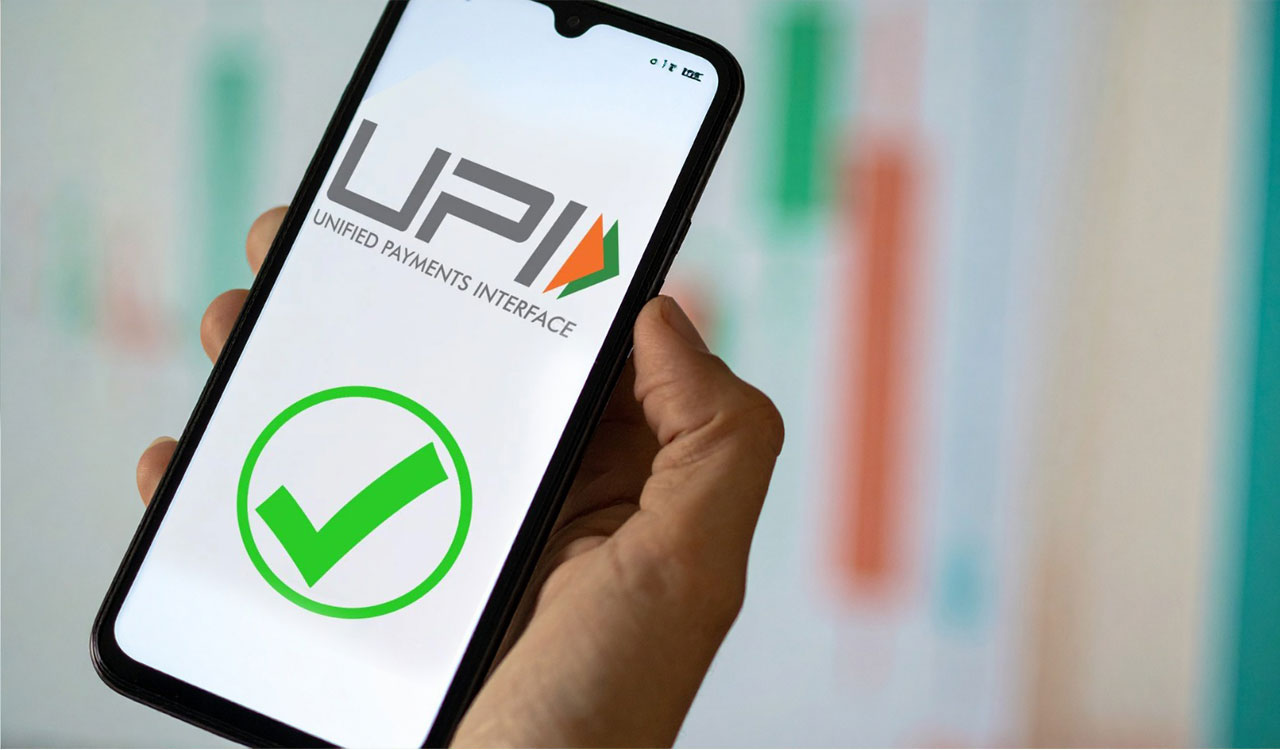
Representational Image
whatsapp facebook twitter telegram

Hyderabad: These days you often see people using mobile payment service apps like Paytm, Google Pay, and PhonePe, among others apps, for making payments. It means, your phone contains a lot of sensitive information, including your UPI ID and bank details. And things may turn ugly when you lose your phone or when someone steals it.

Though a password is required to unlock a phone or the app, these days it may not be difficult for cybercriminals and thieves, especially if you were using easy-to-guess passwords, to open your phone.

Also Read

  • Mulugu: Six held for theft, Rs 1.33 lakh worth stolen phones recovered
  • How prominent Hyderabadi engineer in Jeddah lost his savings after phone call
  • OTP-based cyber crime is old-fashioned; data theft is the real challenge

Moreover, they can read your incoming messages and even answer calls. So, it becomes necessary to block all your payment apps immediately to be on the safe side.

Here, let’s see how to block a few important apps:

GPay

Dial 1800-419-0157 to get connected with the customer service team of Google Pay. Then select the option to talk to a Google representative and answer a few questions to get your account blocked.

Paytm

First, Dial 01204456456 or 18004190157 and select the ‘Report lost or unauthorized usage’ option. Then again select the ‘Lost Phone’ option and enter your lost mobile number to block your account. One can also do it by logging into the Paytm website or downloading the app on another smartphone if one remembers the password.

PhonePe

Dial 08068727374/02268727374 to get connected to the customer service representative. Provide details like registered phone number, email ID, and name of the bank to the customer service agent to get the account blocked.

Note: At the same time, call your telecom service provider to block the SIM card and stop receiving OTPs.

  • Follow Us :
  • Tags
  • GPAY
  • Lost Phones
  • Paytm
  • Phone Pe

Related News

  • India’s UPI to go live in Cyprus from next year

    India’s UPI to go live in Cyprus from next year

  • WhatsApp launches Business AI feature in India

    WhatsApp launches Business AI feature in India

  • India’s digital payments grow 25 pc in April; UPI cements global leadership

    India’s digital payments grow 25 pc in April; UPI cements global leadership

  • RBI cancels banking licence of Paytm Payments Bank

    RBI cancels banking licence of Paytm Payments Bank

Latest News

  • BJP launches ‘Brotherhood Program’ to mark 12 years of Modi govt

    4 mins ago
  • IMD forecasts below normal rainfall in 2026

    5 mins ago
  • Hospitals refuse admission to Abhishek Banerjee after attack in Sonarpur

    10 mins ago
  • Constable killed, wife and daughter injured in Khammam road mishap

    23 mins ago
  • Karimnagar youth attempts suicide over chit fund dispute

    26 mins ago
  • Rewind: The mystery behind Telangana’s zero-population villages

    44 mins ago
  • Goshamahal police bust cricket betting racket

    1 hour ago
  • Telangana DGP Anand calls for sweeping police reforms to meet emerging challenges

    1 hour ago

company

  • Home
  • About Us
  • Contact Us
  • Privacy Policy

business

  • Subscribe

telangana today

  • Telangana
  • Hyderabad
  • Latest News
  • Entertainment
  • World
  • Andhra Pradesh
  • Science & Tech
  • Sport

follow us

  • Telangana Today Telangana Today
Telangana Today Telangana Today

© Copyrights 2024 TELANGANA PUBLICATIONS PVT. LTD. All rights reserved. Powered by Veegam